Deepfake Interviews: How They Work and What Gives Them Away
How a live deepfake job interview is put together, from face-swap software to the virtual camera, the visual and audio artifacts that still give it away, simple checks an interviewer can ask for, and why spotting fakes live is a losing race.
TL;DR
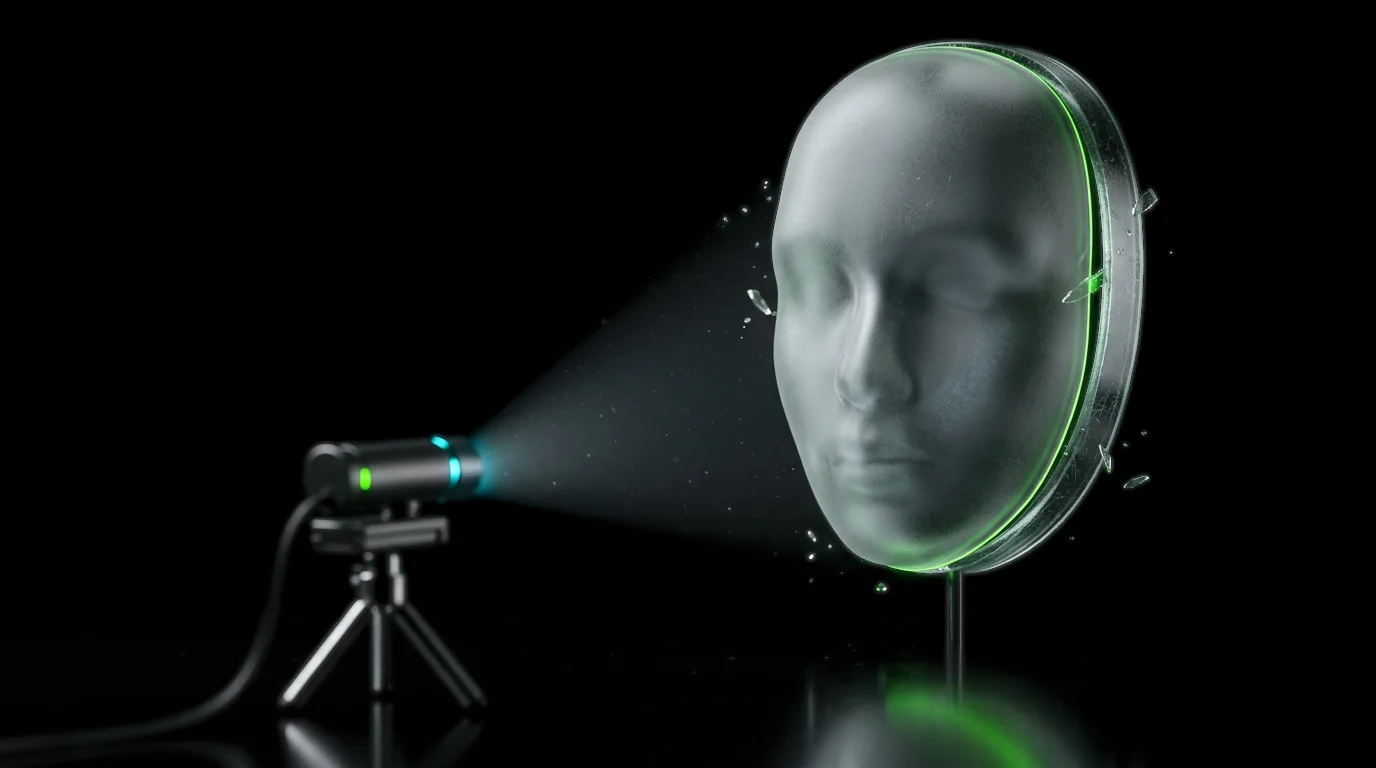
- A live deepfake interview is a pipeline: webcam → face-swap software → virtual camera → video call. Voice conversion does the same for audio. To the call, and to the browser, the virtual camera is just another camera.
- The fakes still leave artifacts: lip sync that drifts, edges that blur, a face that slips when a hand passes in front of it, distortion in profile. The FBI described some of them as early as 2022.
- Every artifact is a bug the next version of the software fixes. Spotting fakes live is a race you lose slowly. Recording every answer and reviewing the moments that look wrong holds up much better.
How a live deepfake interview works
A deepfake in a job interview isn’t a pre-made video. It runs in real time, on the candidate’s computer, during the call.
Webcam ──► face-swap software ──► virtual camera ──► Zoom / Meet / Teams / browser
Microphone ──► voice conversion ──► virtual microphone ──┘- Face swap. Software takes each frame from the real webcam, finds the face and replaces it with a target face, matching expression and head pose. Consumer apps and open-source tools do this on a gaming laptop.
- Virtual camera. The processed video is published as a camera device. The video call app lists it next to the built-in webcam, and the candidate simply picks it.
- Voice conversion (optional). The same trick for audio: the candidate speaks, the software changes the voice in real time and exposes the result as a microphone.
The key point for hiring teams: the call app can’t tell. A virtual camera reports a device name, a resolution and a frame rate, like any webcam. Its name is whatever the software decides to report. Blocking cameras by name is trivial to get around.
What gives a deepfake away
None of these signs proves anything alone. Lighting, bandwidth and cheap webcams cause some of them too. They are reasons to look closer, not verdicts.
Visual artifacts
- Lip sync that drifts. The FBI’s 2022 warning notes that in reported cases the actions and lip movement of the person on camera did not completely coordinate with the audio.
- Coughs, sneezes and laughs that don’t match. Same warning: auditory actions that are not aligned with what is shown on screen. Sudden, involuntary movements are hard to fake in real time.
- Edges. The boundary between the swapped face and the real head: the hairline, the jaw, the ears. Look for blur, a seam or a slight shimmer, especially when the head moves.
- Occlusion. When a hand, a pen or a cup passes in front of the face, the swap can glitch: the face bleeds through the hand or jumps for a frame.
- Profile. Most face-swap models work best from the front. At a full side turn the face can warp, flatten or snap back.
- Glasses and accessories. Frames that bend, reflections that don’t move with the head, earrings that appear and disappear.
- Teeth and tongue. Often blurred or uniform, because they are hard to render consistently.
- Lighting. The face lit from a different direction than the neck, the room or the hands.
Audio artifacts
- Flat delivery. Converted voices can lose emotion and emphasis, especially when the candidate laughs, hesitates or raises their voice.
- Latency. A small but constant delay between lip movement and sound, or between the end of a question and the start of an answer.
- Glitches on edge cases. Whispers, coughs and overlapping speech can come out robotic or clipped.
Simple checks an interviewer can ask for
Natural movement is still the cheapest stress test. A few requests that take seconds:
- Turn your head slowly to one side, then the other.
- Pass a hand in front of your face, or touch your nose or glasses.
- Hold your ID next to your face for a moment, if your process and local law allow it.
- Stand up and sit back down, or move closer to and farther from the camera.
Three rules make these fair and useful:
- Ask everyone the same thing. Make it a standard step of the interview, not a reaction to an accent or a hunch. Inconsistent checks are a bias problem.
- Be ready for reasons that aren’t fraud. A disability, a shared space or an old webcam can make a request hard. Offer an alternative, such as an identity check through a verification provider.
- Don’t decide on the spot. If something looks off, note the time and review it afterwards, ideally with a second person.
These checks are getting weaker as tools improve. Treat them as one layer, not the answer.
Why live detection is a losing race
Every artifact above is, from the fraudster’s point of view, a bug report. Occlusion handling, profile views and lip sync have all improved quickly, and each improvement quietly retires one of the tells interviewers were taught to look for.
Live detection also has a structural problem: the interviewer is doing two jobs at once. They are running a conversation and judging a candidate, on a small video tile, in real time. Subtle artifacts that are obvious when you replay a moment at half speed are invisible in the flow of a call.
What holds up better is a process that doesn’t depend on catching the fake live:
- Record every answer, so anything that looks wrong can be replayed, slowed down and shown to someone else.
- Compare stages. A fake has to be consistent across a screening, a technical interview and a final round. That is much harder than passing one call.
- Verify identity before the offer, with a document check and a background check, so the face you recorded is tied to a real identity.
- Keep a short live conversation with finalists, with the checks above as a standard step.
We compare these approaches, and what each one actually proves, in Deepfake Interview Detection: Tools vs. Process.
Where VIDTREO fits
VIDTREO doesn’t detect deepfakes. A virtual camera looks like any other camera to the browser, and we don’t claim otherwise. What VIDTREO gives you is the evidence to review:
- Every answer recorded in the candidate’s browser, on desktop or mobile, transcribed and stored until you delete it.
- An Intelligence lens that checks each recording against your questions (is the face visible for the whole answer, is anyone else in the frame) and links every finding to its timestamp.
- Reviewers who jump straight to the flagged moment, compare stages and decide with the evidence in front of them.
See how it works end to end, with honest limits and the cost per candidate, in interview fraud and deepfake candidate detection. For the other five schemes that don’t need a deepfake at all, read Video Interview Fraud: 6 Schemes Hiring Teams See.
Related Posts
AddPipe vs Ziggeo vs VIDTREO for HR Tech (2026)
The three browser recorders HR tech teams compare for one-way video interviews, side by side: pricing model, HD plans, cost per hiring round, uploads, mobile, transcription and AI, with a source for every competitor figure.
AI Recruiting in 2026: How Video Recording Is Reshaping HR Screening
AI is transforming how companies hire — from resume parsing to sentiment analysis. Discover how browser-based video recording completes the stack and why any platform can add it today.